What Mines is
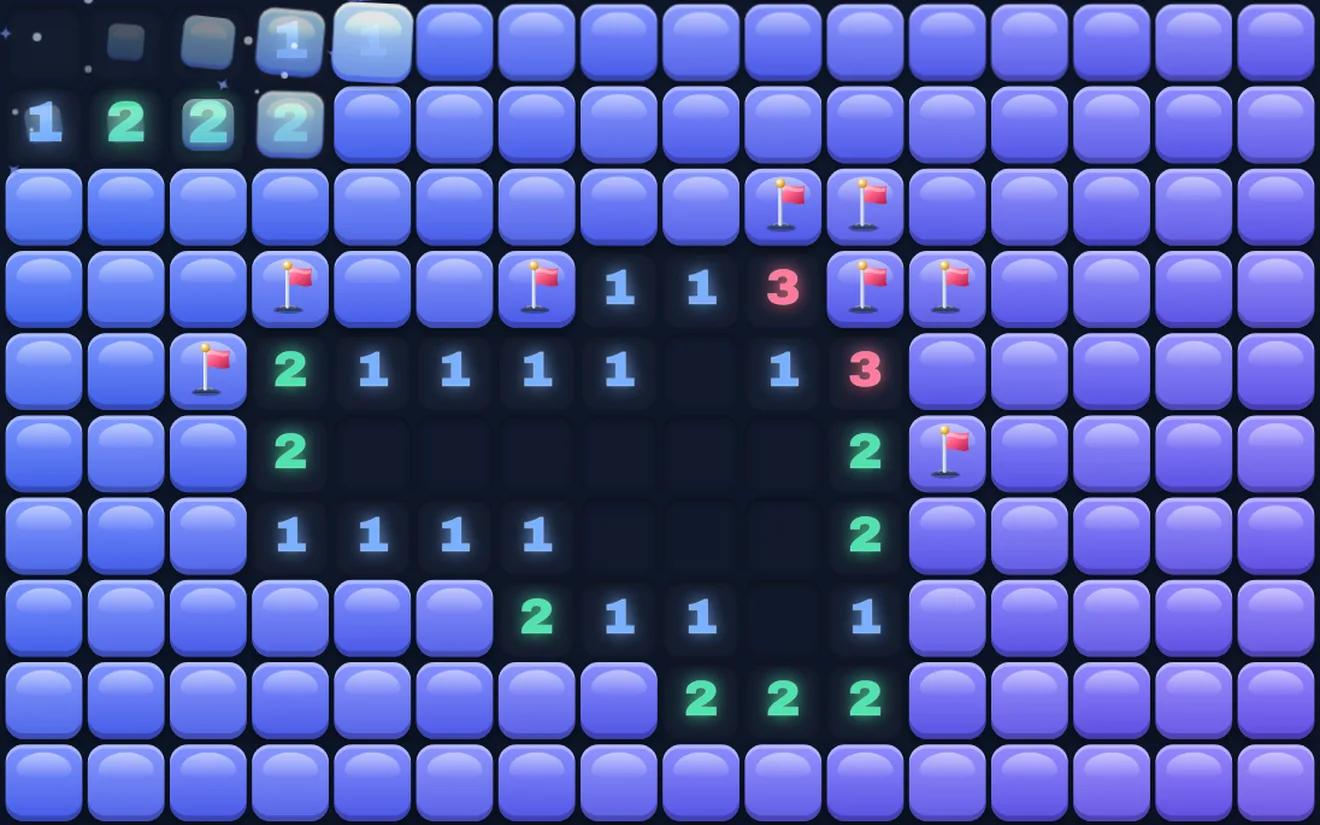
Mines is a logic puzzle played on a grid of covered tiles. Some tiles hide mines; the rest are safe. When you open a safe tile it shows a number: how many of the eight tiles around it, corners included, hold a mine. Using those numbers you work out where the mines are, mark them with flags, and open everything else. Open every safe tile and you win; open a mine and the game is over.
Playing Mines on AllFun
AllFun Mines has three levels. Easy is 9×9 with 10 mines, Medium 12×16 with 30, and Hard 16×24 with 80. On a small phone, Medium and Hard use a slightly smaller board with fewer mines, so the cells stay big enough to tap without zooming. The Daily board is the same for everyone each day, starts from a glowing tile and never needs a guess.
Your first tap is always safe and opens a whole area. Each level also has a No-guess switch: on, every board can be cleared by logic alone, with no 50–50 guesses. It starts switched on for Easy and Medium, and off for Hard, where classic luck is part of the fun.
Tap a tile to dig. To plant a flag, hold the tile, or switch the tap from Dig to Flag. On a computer, right-click to flag, or press F to switch between digging and flagging. A Hint opens a tile that is surely safe, with one free each game. Your best time for each level is kept.
The rules
- Open a tile by tapping it. If it is a mine, you lose.
- A number shows how many mines touch that tile, in all eight directions.
- A tile with no mines around it is blank, and all its neighbours open by themselves, which can clear a large area at once.
- Flags mark tiles you are sure are mines. A flagged tile cannot be opened by mistake.
- When a number already has as many flags around it as its value, tap the number to open all its other neighbours at once.
- You win when every tile that is not a mine has been opened.
Six tips for clearing the board
- Start with the obvious ones. A 1 with only one covered tile beside it means that tile is a mine. Flag it, then look at its neighbours again.
- Use satisfied numbers. When a number already touches as many flags as it shows, every other tile around it is safe. Tap the number to open them all.
- Learn the 1-1 pattern. Two 1s side by side, where every covered tile touching the first also touches the second: their one mine is in those shared tiles, so any other covered tile next to the second 1 is safe.
- Learn the 1-2 pattern. A 1 next to a 2 along a wall: the tile beyond the 2, on the far side from the 1, is a mine.
- Work from the edges of what you know. Clear along the border of the opened area instead of tapping somewhere new.
- Guess only as a last resort, and in a corner. On a classic board, a corner tile has fewer neighbours, so a lucky guess there tends to open more. On no-guess boards you never need to.
A short history
Puzzles about finding hidden mines on a grid appeared among early home-computer games in the 1980s. The version with numbered tiles and flags became one of the best-known computer puzzles of the 1990s, when it came with personal computers, and players still compete for the fastest times on the classic boards.
Mines FAQ
Is the first tap safe?
Always. The mines are only placed after your first tap, away from that tile and its neighbours, so it opens an area.
What is a no-guess board?
A board that a logical solver can clear from the first tap without ever guessing. If you get stuck on one, there is a safe move you have not found yet.
How do I flag on a phone?
Hold the tile for a moment, or switch the tap mode to Flag so that every tap plants a flag.
Is AllFun Mines free?
Yes. Mines never costs coins, and it saves your game on your device.
Ready for a game? AllFun Mines is free and opens right here in your browser.
Play Mines